Team Entries
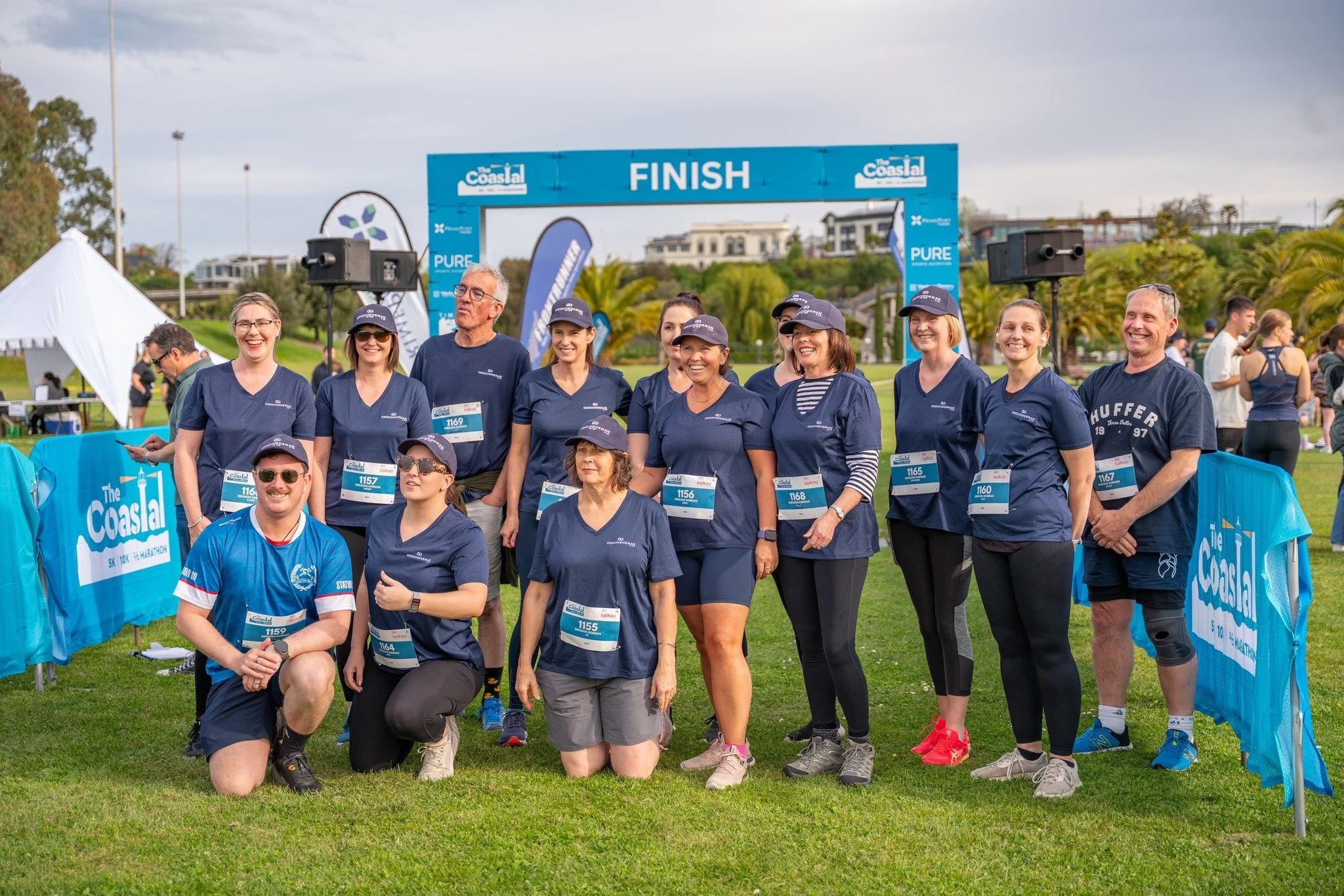
How to Create a Team
Creating a team is easy.
Register for the event and select your event category.
During registration, select Create a Team.
Enter your team name and register as the Team Captain.
Once your registration is complete, you will receive a team registration link via email.
Share this link with your friends, colleagues, or teammates so they can join your team when signing up.
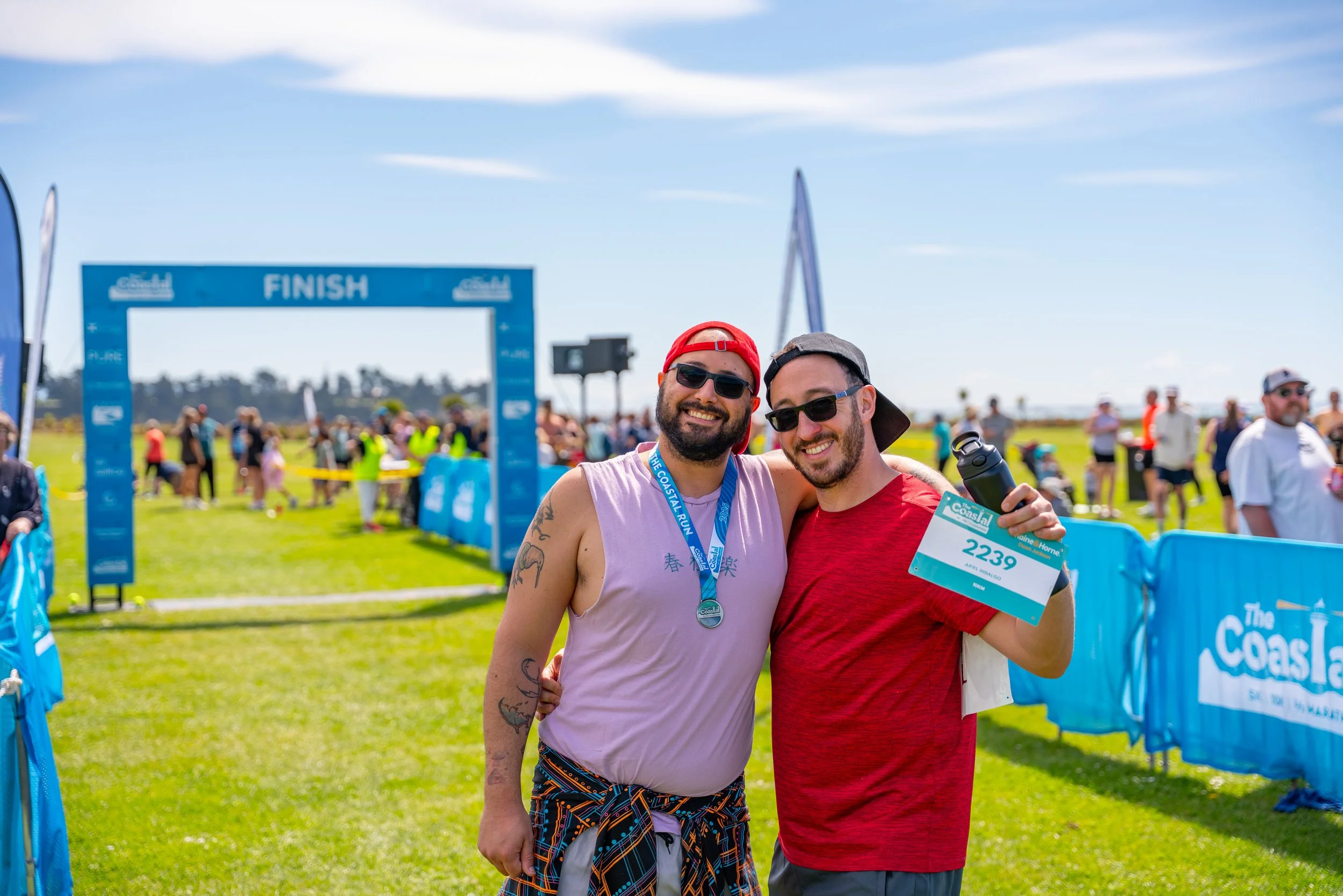
How to Join a Team
If someone has already created a team, joining is simple.
You can either:
Use the team registration link shared by the Team Captain, or
Search for the team name during registration and select it when prompted.
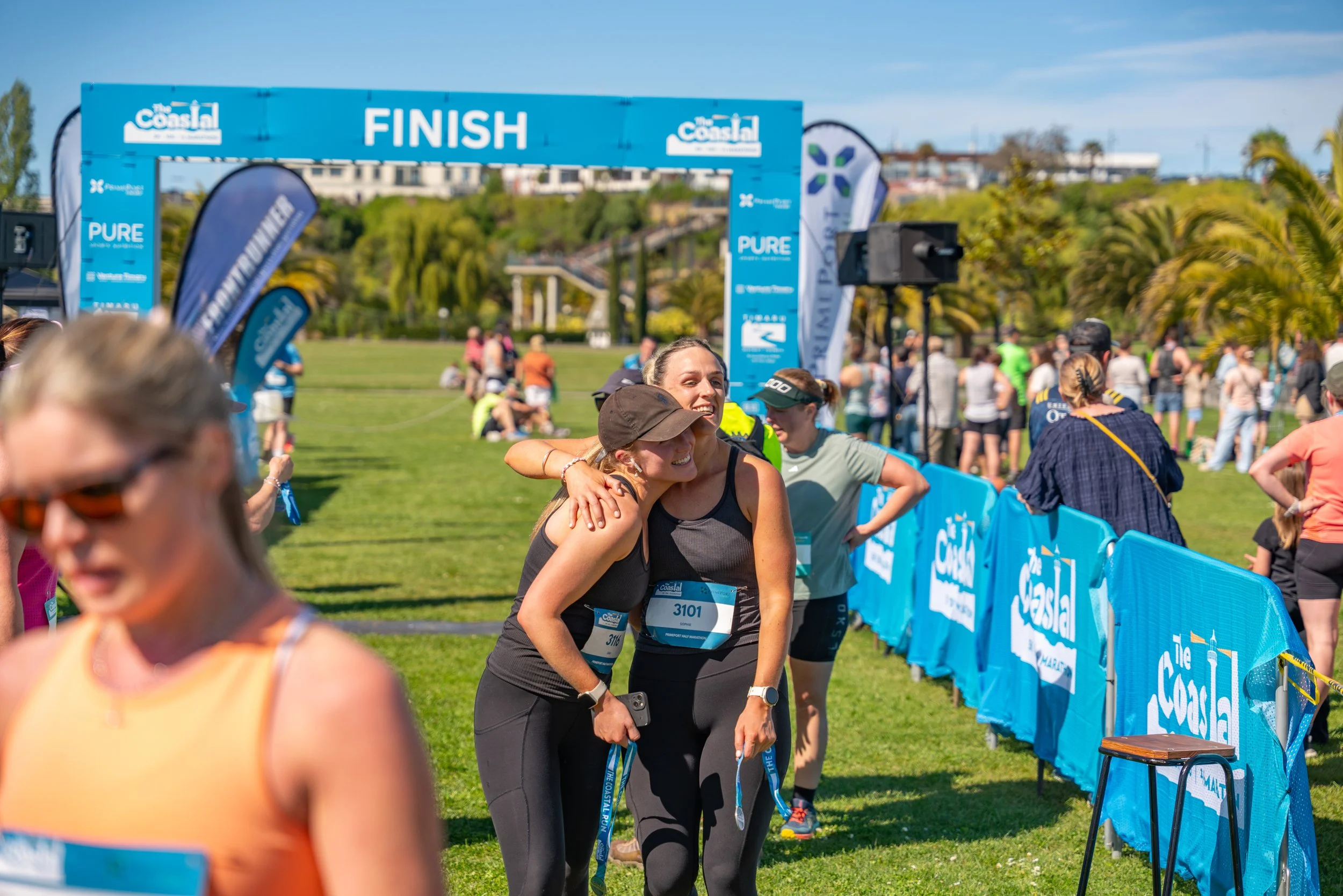
Want to take part in The Coastal with friends, colleagues, or classmates? Entering as a team is a great way to make the event even more fun.
We offer three team categories in the 5km event:
5km School Challenge
5km Corporate Challenge
5km Social Teams
Teams must have a minimum of 5 participants to qualify for a team category.
Other entry options

PrimePort Half Marathon

Kids Run
10km